Your cookbook photos and saved Reels, now one recipe book
Last reviewed:
A note before we start: Maren Ellery is a fictional character created for Cooking with Robots, not a real customer. Her kitchen is made up. Everything she says the app does, it does.
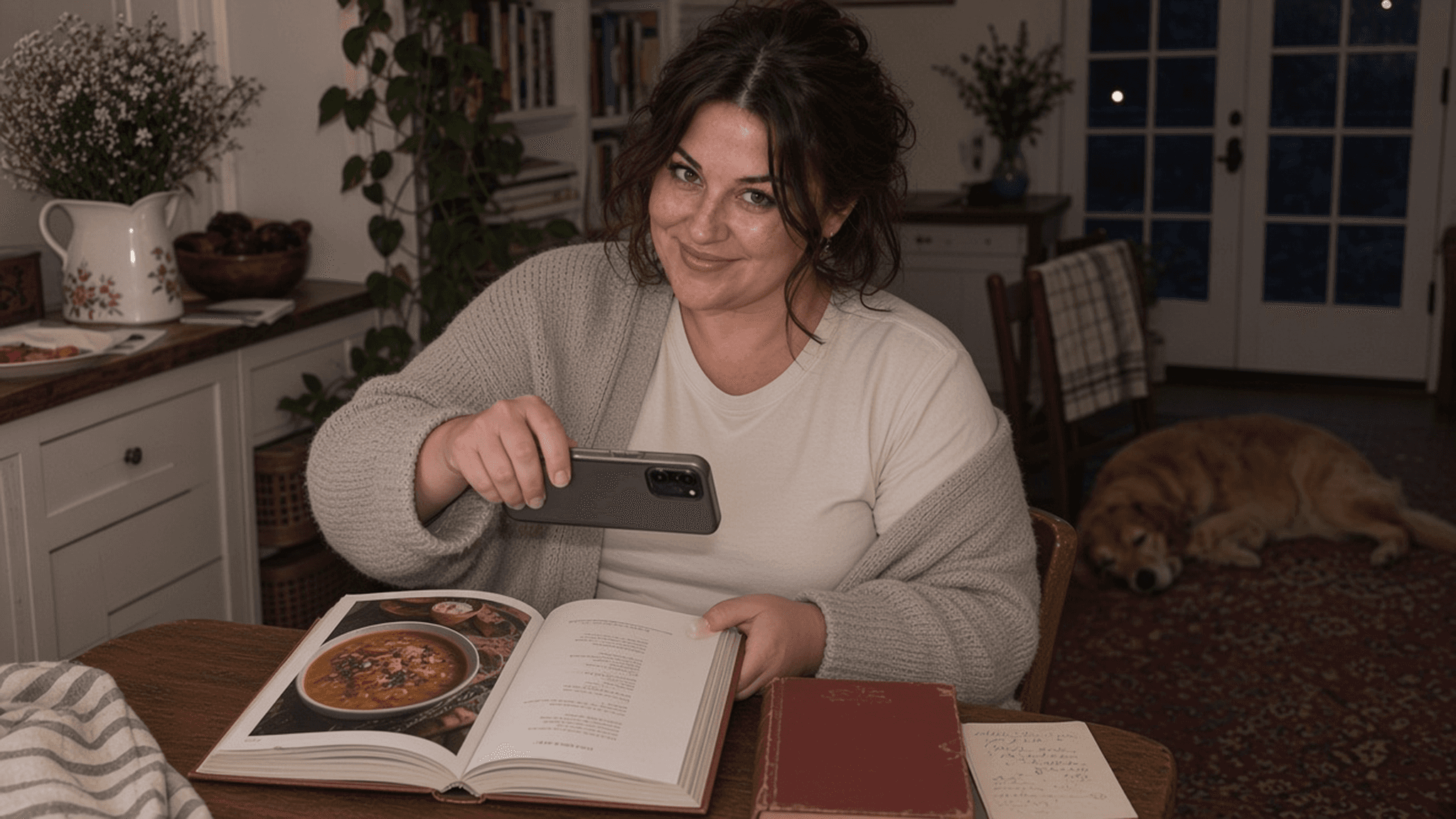
Every kitchen has the same three piles. A shelf of cookbooks with one good recipe each. A camera roll full of screenshots of Reels you meant to cook "this weekend." And a few recipes that only exist in your head, or on a card with a butter stain on it.
Cooking with Robots now has a place for all three. It's called your recipe book. Here is what it does, plainly.
A photo of a cookbook page becomes a recipe
Open Import, then Photo. Take a picture of a cookbook page or a recipe card. If the recipe runs across pages, take up to four pictures, in page order. The robot reads the title, the ingredients and the steps and turns them into a recipe you can edit.
The part I care about most: when the photo doesn't show an amount clearly, the robot leaves that amount blank and asks you to check it. It does not guess. You get a short "Check these amounts" step and type what the page says. Then you see the whole recipe, and nothing is saved until you press save.
It reads handwritten cards and recipes written as one long paragraph too. If the picture isn't a recipe at all, it says so instead of making one up. The page photo is only used to read the recipe and is not kept. Photos can be up to 10 MB each.
A Reel, a TikTok or a YouTube video becomes a recipe
Open Import, then Video and paste the link. It works with an Instagram Reel or post, a TikTok, and a YouTube video or Short. The post has to be public.
YouTube: the robot listens to the video and writes the recipe out, even when the recipe is only spoken and never typed anywhere. Videos can be up to 15 minutes long.
Instagram and TikTok: the robot reads the post's caption, when the post lets us read it. If the recipe isn't in the caption (the "recipe in bio" kind), it tells you and gives you two ways forward: paste the caption or the recipe text, or upload the video you saved to your phone. An uploaded video can be up to 100 MB and 10 minutes long, and the robot listens to it the same way.
You see each stage while it works: checking, reading the caption or listening, then writing. The recipe keeps a link back to the original post, and the creator's name when the post shows it.
One honest warning. A video is not a printed page. People say "a few handfuls," and the robot can still hear a number. Every video recipe opens in the editor before it is saved, so read the amounts the way you'd read any recipe before you shop for it.
Your own recipe book
Your book holds every recipe that is yours: the ones you write, the ones you import from photos, videos, links or Mealime, and your own versions of Cooking with Robots recipes. It is private to your account, and photos you add are stored at unlisted links.
Write your own. Ingredients, steps, servings, times. The one you make from memory finally has a home.
Cookbooks. Group recipes under a name you choose, like Weeknights or Sunday. A cookbook can hold Cooking with Robots recipes too, not just yours.
Tags. Add tags like "weekend" or "kid friendly" and filter your book by them.
Your own photos. Up to 8 on each of your recipes, 10 MB each. The first one is the picture the recipe shows.
Private notes on any recipe. "Double the garlic." "Hugo stole one, make extra." Notes work on your recipes and on any Cooking with Robots recipe, and only you can see them.
Your recipes are included when you export your data. Deleting your account deletes them, along with their photos and your notes.
What it costs
Nothing. Cooking with Robots is free: no card, no trial, no paid plan. Reading photos and videos costs us money on every call, so there are daily limits of up to 20 recipes from cookbook photos and up to 10 from videos. The pricing page lists every limit.
If you have a shelf of one-good-recipe cookbooks, start with the one you reach for most. Open your recipe book, or import your first page.
Frequently asked questions
Can Cooking with Robots import a recipe from a photo of a cookbook?
Yes. Take 1 to 4 photos of a cookbook page or recipe card under Import, Photo. The robot reads the title, ingredients and steps. Any amount the photo doesn't show clearly is left blank for you to check, and you review the whole recipe before it is saved. The page photo is not kept.
Can it save a recipe from an Instagram Reel, TikTok or YouTube video?
Yes, from public posts. For YouTube it listens to the video, so recipes that are only spoken work, for videos up to 15 minutes. For Instagram and TikTok it reads the caption. If the recipe isn't there, you can paste the recipe text or upload the saved video (up to 100 MB and 10 minutes).
Who can see my recipe book?
Recipes you write or import, and your cookbooks, tags, notes and photos, are private to your account: never listed or shown to other users. Photos you add are stored at unlisted web addresses that are not linked from anywhere public. Deleting your account deletes them.
Is it free?
Yes. There is no paid plan. Daily limits keep it free: up to 20 recipes from cookbook photos and 10 from videos a day.
Who is Maren Ellery?
Maren Ellery is a fictional character created for Cooking with Robots to write some of its posts. She is not a real customer, and the post describes what the features do, not her results.