Your Mealime recipes aren't gone. Paste the links and watch them come home.
Last reviewed:
Short answer: Yes, you can still save your Mealime recipes. Mealime shut down on October 21, 2026 and never had a bulk export, but its public recipe pages are still online. Paste up to 100 Mealime recipe links into the free Mealime import on Cooking with Robots and watch each recipe get rebuilt in your account, live: ingredient amounts, steps, servings, equipment and Mealime's per-serving nutrition, all of it.
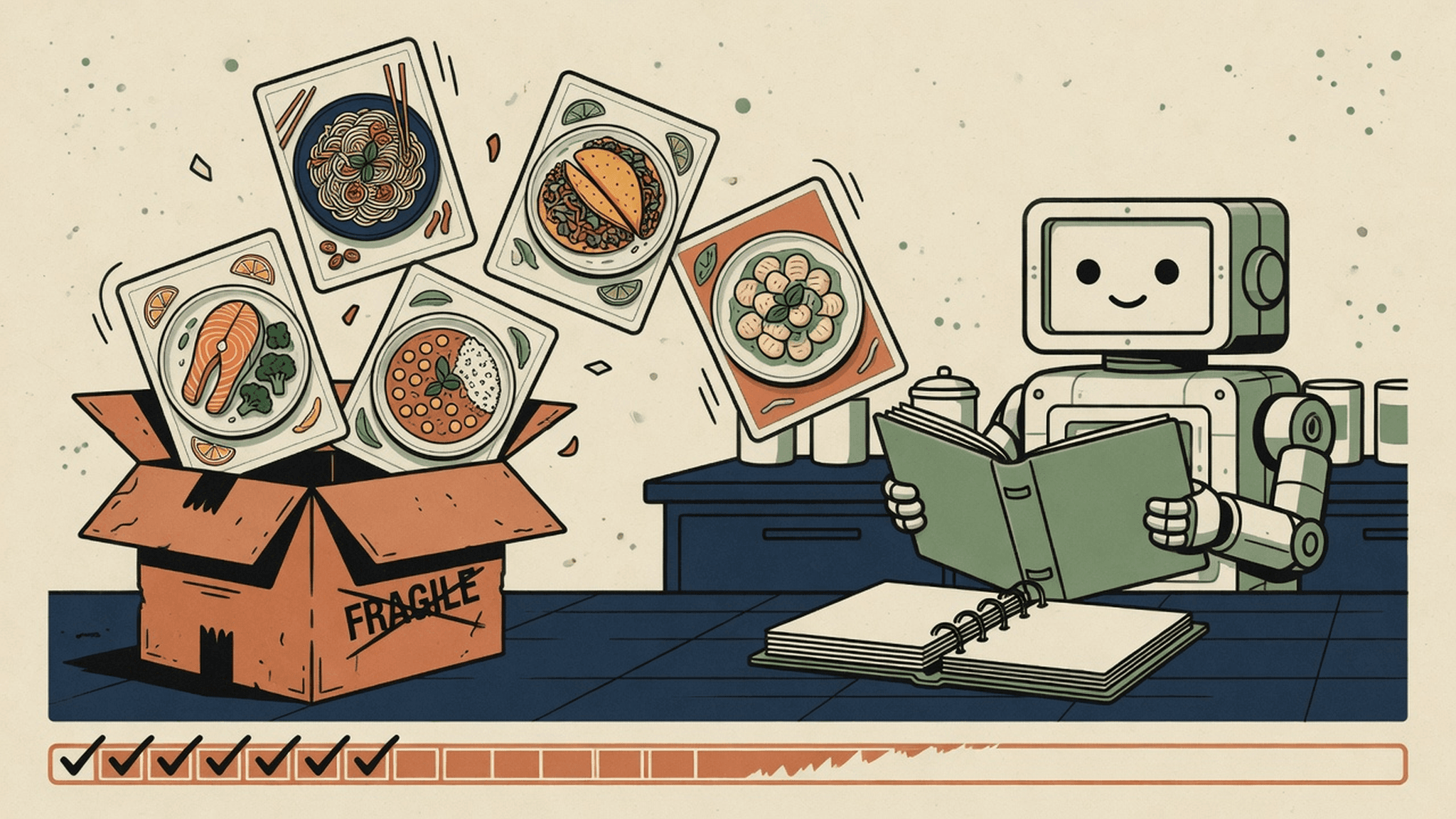
The app closed. The recipes don't have to.
Mealime said on its closing page that the app was discontinued as of October 21, 2026 and that all personal data would be deleted at shutdown, and it pointed its users to Meals Hub inside Albertsons Companies grocery apps. If that works for you, good. It was a well-loved app, and a lot of people cooked a lot of good dinners with it.
What it never had, according to Plan to Eat, was a bulk recipe export. So the salmon you made every other Tuesday had nowhere to go.
Here's the good news. As of October 26, 2026, Mealime's public recipe pages at mealime.com/recipes are still up. Nobody outside Mealime knows for how long. So we built a way to bring them home, and the best day to use it is today.
One paste. Up to 100 recipes.
Copy your Mealime recipe links, paste them in, press go. That's the whole job.
You don't have to tidy anything first. Paste a clean list, or a note, a text thread or an old email with links buried in it. The importer pulls out every Mealime recipe link it finds and ignores the rest.
Then the fun part. Every recipe shows its progress on screen as it goes, Fetching, then Reading, then Saving, until a Saved stamp lands on it, with up to four rebuilt at once. You don't stare at a spinner and hope. You watch your cookbook come back together, one dish at a time.
What comes across
| What | What you get |
|---|---|
| Ingredients | Every ingredient with its amount and unit |
| Steps | The full method, in order |
| Servings and equipment | The serving count and the pans and tools the recipe calls for |
| Nutrition | Mealime's per-serving calories, protein, carbs, fat, fiber, sugar and sodium |
| Credit | An "Originally from Mealime" line linking back to the original page |
| Privacy | Visible to you only. Never listed, never shown to anyone else |
How to import your Mealime recipes
- Sign in, or make a free account. The import saves recipes to your account, so it needs one. It costs nothing.
- Gather your links. Copy the link for each Mealime recipe you want to keep. Can't find a link? Mealime's public recipe index at mealime.com/recipes is still online, so you can look the dish up there.
- Paste them into the import page. Up to 100 links per run. Messy text full of links is fine.
- Watch them land. Press Rescue recipes, and each recipe moves through Fetching, Reading and Saving while you watch, then gets its Saved stamp. If a link is dead, that one recipe is marked Couldn't import and the rest carry on.
- Cook something. Open any imported recipe, rate it, or add it to your week from the planner's add-meal search.
Your recipes, plugged into the rest of the robot
An imported recipe isn't a screenshot in a folder. It works like any other recipe in your account.
It goes on your plan. Add it to any day from the planner's add-meal search. In the plan it shows up with "(from Mealime)" after its name, so you always know where it came from.
It writes your grocery list. A planned import feeds the grocery list with real amounts, and anything already in your pantry is marked, so you only buy what's missing.
It knows your allergies. If an imported recipe conflicts with the allergies you saved, it's flagged. The flag is a prompt to check, not a guarantee: always read the recipe and every current package label yourself.
It won't double up. Paste the same link twice, or rerun yesterday's list with three new links on the end. Anything you already imported comes back stamped Already yours, not as a second copy.
Got a recipe with no link?
Recipes you wrote yourself in Mealime were never public pages, and Mealime said personal data was deleted at shutdown, so there's nothing left to fetch. But if you copied one out before the lights went off, into a note or an email to yourself, paste the text straight in, no link needed. Put a line of three dashes between recipes, up to 10 per run.
The robot sorts the text into ingredients and steps. Give the result one read-through afterward. It's your recipe, and you'll spot anything that looks off faster than anyone.
The fine print, said plainly
The weekly plan generator doesn't pick your imports. When the robot builds a fresh week from your pantry, it plans new dinners. Your imports go onto the plan when you add them, which is usually how you want a favorite anyway.
There's no separate imports shelf. To find an imported recipe again, search for it by name in the planner's add-meal search.
Times and descriptions are as Mealime had them. Mealime published one total time per recipe, so that's the single time you'll see. Mealime pages had no description, so imports don't either.
Why we built it
When Mealime closed, I wrote a post about where its users should go, and in it I said plainly that Cooking with Robots couldn't import your Mealime recipes. I also said I'd rather you keep your recipes than pick my app.
That line bugged me, because you shouldn't have to choose. Your recipes are the part of a cooking app that took years to collect, and they're the part you can't get back. Now you can keep them and still let the robot plan the rest of your week from what's already in your kitchen.
Your recipes. Your account. $0 a month, no card. Import my Mealime recipes →
No account yet? Sign up free, then come back to the import page. Bring the salmon.
Prep like a robot. Eat like a human.
Frequently asked questions
Can I still save my Mealime recipes after the shutdown?
Yes, for recipes that had a public Mealime page. Mealime shut down on October 21, 2026 and never offered a bulk recipe export, but its public recipe pages were still online on October 26, 2026. Paste the links into the free Mealime import on Cooking with Robots, up to 100 per run, and each recipe is rebuilt as a private copy in your account.
Does the import keep the nutrition information?
Yes, for recipes imported from a link. Each one keeps Mealime's per-serving calories, protein, carbs, fat, fiber, sugar and sodium, along with ingredient amounts and units, steps, servings and equipment.
Is the Mealime import free?
Yes. Cooking with Robots is $0 a month with no card and no paid tier. You need a free account to import, because the recipes are saved to it.
Can other people see the recipes I import?
No. Imported recipes are private to your account. Each one carries an "Originally from Mealime" credit that links to the original page.
What about recipes I wrote myself in Mealime?
Mealime said all personal data would be deleted at shutdown, so those recipes can't be fetched from Mealime. If you copied one out beforehand, paste its text into the importer with no link, up to 10 recipes per run, and it is sorted into ingredients and steps. Read it over once afterward.
Will the weekly meal plan use my imported recipes?
Not on its own. The AI weekly plan generator does not pick imported recipes. You add them to your week yourself from the planner's add-meal search, and a planned import feeds the grocery list, with items already in your pantry marked.
References
- Mealime is moving to Meals Hub (Mealime)
- Mealime is Moving: Here's Your Best Meal Planning Alternative (Plan to Eat, September 14, 2026)
- Mealime public recipe index (Mealime)
- Mealime shut down on October 21. We asked four AI assistants for an alternative (Cooking with Robots)
- Cooking with Robots pricing and data terms