Best pantry meal planning apps in 2026: 10 apps compared, priced, and dated
Last reviewed:
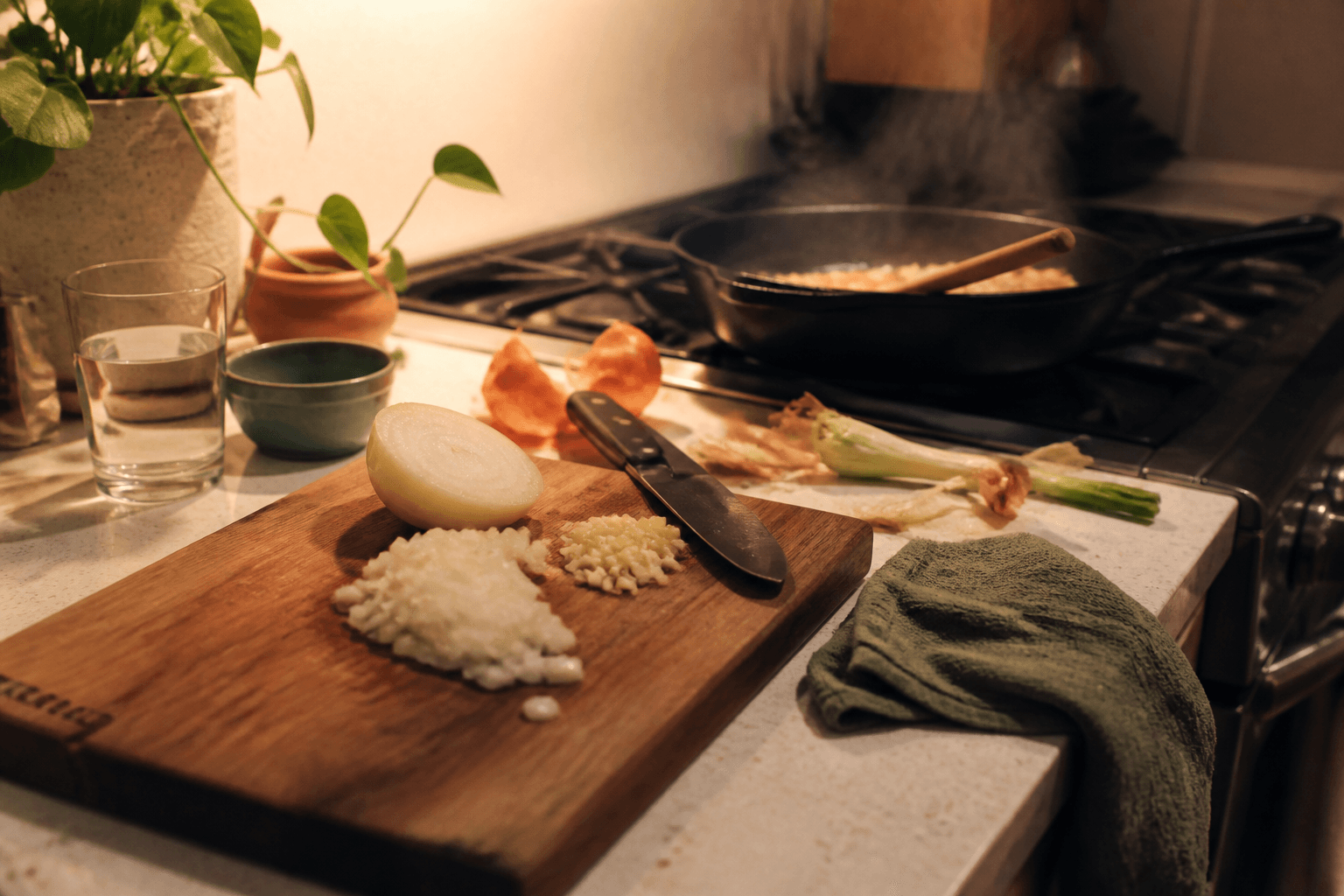
Short answer: if you want to photograph your pantry and get a generated week of meals plus a grocery list of only what is missing, Cooking with Robots is the best fit in this comparison, and it is free with no card and no paid tier. If you want free with zero signup, SuperCook matches recipes to a ticked ingredient list instantly. If you want the inventory filled automatically, Cooklist reads US grocery loyalty accounts and receipts. If you want precise stock control, KitchenPal tracks quantities and expiry dates by barcode. For subscription refusers, Paprika 3 is a one-time purchase.
I am Nate Lemos, the founder of Cooking with Robots, so read this as a first-party comparison rather than independent testing. One of the ten products below is mine and I benefit if you use it. The counterweight is the same one used across this site's comparisons: a fixed review date, first-party sources for every competitor claim, no star ratings, and explicit limits on what was not verified. More about me on the About page.
Update, October 7, 2026: Mealime says on its closing page that the app will be discontinued as of October 21, 2026. It was ranked fifth here as the cheapest polished planner, so it has moved out of the ranking into its own note at the end of the list. The other nine entries were not re-checked for this update; their prices are as observed on August 12, 2026.
How this comparison was made
On August 12, 2026, I checked all ten products against the same five fields: pantry input method, current price as stated on a first-party page or official app-store listing, standout feature, best-for fit, and honest limits. Sources are each vendor's own site and its Apple App Store or Google Play listing, linked in each section and in the references. I did not claim hands-on testing of competitors, and where a vendor does not publish a number, the table says so instead of guessing. "Priced in-app only" means the vendor shows the price only inside the purchase flow. Prices are what those pages said on the review date and can change.
The four ways a pantry gets into an app
Every product in this category lives or dies on one question: how does the app find out what is in your kitchen? There are exactly four answers on the market in 2026.
- Tick-list. You tap the ingredients you have from a master list. Fast to start, tedious to maintain, and quantity-blind. SuperCook and Paprika work this way.
- Barcode scan. You scan each package. Precise on quantities and expiry dates, but every item is a chore, and produce has no barcode. KitchenPal is the strongest example.
- Loyalty-card and receipt import. The app reads your grocery purchases and builds the inventory for you. Genuinely automatic, but it only works where the store integration exists, and it cannot see what you actually used up. Cooklist is the main example, in US stores.
- Photo scan. You photograph the shelf or fridge and a vision model identifies the items. The fastest bulk entry and the only method that works on loose produce, but detections need a human review pass. Cooking with Robots, FoodiePrep, and Pantry Pic work this way.
No method is perfect. Tick-lists and barcodes put the labor on you, imports only cover what one store sold you, and photos require trust in a vision model plus a review step. The right app depends on which trade you would rather make.
Comparison table
| App | Pantry input | Price observed 2026-08-12 | Standout feature | Best for |
|---|---|---|---|---|
| Cooking with Robots | Photo scan or manual | $0 per month, no card, no paid tier | Pantry photo to a generated week plus a missing-groceries list | Pantry-first automatic weekly planning |
| SuperCook | Manual tick-list, voice | Free, no in-app purchases | Instant recipe matches from on-hand ingredients | Cooking right now with no account |
| Cooklist | US loyalty accounts, receipt scan | Free download; upgrade observed at $25 to $80 per year | Automatic inventory from grocery purchases | Automated inventory at US stores |
| KitchenPal | Barcode scan, voice, text | Free tier; premium priced in-app only | Quantity and expiry tracking across pantry, fridge, freezer | Precise stock control |
| Plan to Eat | Manual | $5.95 per month or $49 per year; 14-day trial, no card | Recipe clipper plus drag-and-drop calendar | Planning from your own recipe collection |
| Paprika 3 | Manual pantry list | One-time: $4.99 iOS, $29.99 Mac or Windows | Recipe import and cross-device sync with no subscription | Subscription refusers |
| Samsung Food | Synced Food List, method not documented | Free core; Food+ $6.99 per month or $59.99 per year | 180,000+ recipes and Samsung appliance integration | Samsung-equipped kitchens |
| FoodiePrep | Photo recognition, manual | Free tier; Nutrition Pro $5 per month or $59.99 per year | Recipe import from TikTok, Instagram, YouTube | Social recipe savers and macro trackers |
| Pantry Pic | Fridge or pantry photo, receipt | Free, 4 scans per month; Pro from $29.99 per year | One photo straight to recipe ideas | Occasional what-can-I-make moments |
| Mealime (closing) | None; plan-first | Was free tier plus Pro at $2.99 per month; Pro billing stopped ahead of the shutdown | Fast personalized dinner plans with aisle-sorted lists | Not ranked: discontinued as of October 21, 2026 |
1. Cooking with Robots: photo pantry to a planned week
Cooking with Robots is the only app in this list built around the full loop: photograph the pantry, generate a week of meals from what is actually there, and get a grocery list containing only the gap. Saved allergy, dietary, cuisine, complexity, and serving-size settings are applied during generation, and a second text check screens weekly-plan candidates before they are saved. The price is $0 per month with no card, no trial, and no paid tier; if you choose to send missing groceries to Instacart, you pay Instacart and the site may earn an affiliate fee. It also has an MCP connection, so ChatGPT and Claude can read your pantry and plan your week inside a chat.
The honest limits: it is web-only with no native app, recipes and nutrition values are AI-generated estimates you must verify, there is no recipe import yet, and the allergy workflow is a filter, not a medical guarantee.
2. SuperCook: the free instant matcher
SuperCook is a free recipe search engine that matches its aggregated recipe database against a tick-list of ingredients you say you have. No account, no card, no in-app purchases. It is the fastest possible answer to "what can I cook right now," and the honest limit is that it stops there: no weekly planning, no quantities, no grocery-gap list, and the recipes link out to ad-supported food blogs.
3. Cooklist: automatic inventory, if your store cooperates
Cooklist does the one thing nobody else here does: connect a US grocery loyalty account or scan receipts and the pantry fills itself. The app is free to download with a paid upgrade; no current first-party price is published, and upgrade prices observed in user complaint records range from about $25 to $80 per year. Two cautions from the record: billing complaints around its trial flow are heavy, documented in this site's billing review, and the company's own site now pitches "agentic commerce" infrastructure to grocery retailers, so the consumer app is no longer the front door. The Google Play listing was still updated in June 2026.
4. KitchenPal: the precise stock keeper
KitchenPal is inventory-first: barcode scanning against a claimed 5-million-product library, plus voice and text entry, with quantities and expiry dates tracked across pantry, fridge, and freezer sections and expiry alerts before food goes bad. Recipes are matched to the inventory, and meal planning sits in the premium tier. The free tier is real; premium comes as monthly, annual, or lifetime plans whose prices are shown only in-app. The honest limit is labor: barcode precision means scanning every item, and produce has no barcode.
5. Plan to Eat: your recipes, your calendar
Plan to Eat is a recipe clipper and drag-and-drop meal planning calendar with automatic grocery lists, at $5.95 per month or $49 per year with a 14-day trial that takes no card. It is deliberately subscription-only, with no free tier, and its pantry is a manual list you maintain yourself. Choose it when the point is planning from a recipe collection you already love; skip it if you want the app to do the deciding.
6. Paprika 3: buy once, own it
Paprika 3 is the anti-subscription pick: a one-time purchase per platform, about $4.99 on iOS and $29.99 on Mac or Windows, with an Android free version capped at 50 recipes before a one-time unlock. Its recipe importer and cross-device sync are the standout, and its pantry is a manual list with purchase and expiry dates. There is no AI and no automation, which is either its flaw or exactly why its owners love it.
7. Samsung Food: the ecosystem play
Samsung Food wraps a 180,000-recipe database, communities, and shopping lists in a free core app, with the AI meal planning, nutrition tracking, and recipe personalization in Food+ at $6.99 per month or $59.99 per year. Its Food List syncs automatically and feeds recipe search that prioritizes soon-to-expire items, though its pages do not document exactly how items get in. The obvious fit is a kitchen already full of Samsung appliances; the honest limit is that the smartest features sit behind the subscription.
8. FoodiePrep: social imports and macros
FoodiePrep imports recipes from TikTok, Instagram, YouTube, and Facebook, recognizes pantry ingredients through the camera, and generates AI meal plans with full macro breakdowns. The free Taster tier allows 5 AI recipes per month and a 25-recipe library; Nutrition Pro is $5 per month or $59.99 per year. Worth knowing when you read the wider web: FoodiePrep publishes its own roundup of this category with itself ranked first, the mirror image of the disclosure at the top of this page.
9. Pantry Pic: one photo, one dinner
Pantry Pic is the lightest tool here: photograph the fridge or pantry and it returns recipe ideas from what it detects, with receipt import on the paid tier. The free tier includes 4 scans per month; Pro starts at $29.99 per year. It is a good answer to an occasional "what can I make tonight," and the honest limit is the meter: regular use hits the scan cap fast, and there is no weekly planning loop.
Mealime: closing on October 21, 2026
Mealime was ranked fifth in the original version of this comparison: a plan-first app with fast personalized dinner plans, aisle-sorted grocery lists, a real free tier, and a Pro tier at $2.99 per month on its official Play listing as of August 6, 2026. Its closing page now says Mealime will be discontinued as of October 21, 2026. Pro subscribers are no longer being charged, and Pro recipes and features are open to all users until then.
Mealime's recipes and planning tools are moving to Meals Hub inside Albertsons Companies grocery apps, which Mealime describes as 100% free, including recipes previously available through Mealime Pro. Two details matter if you use Mealime today. It says all personal data will be deleted when the app shuts down, and that certain preferences and settings will need to be set up again in Meals Hub; the closing page does not describe a data export. The original limit for this article's question also stands: Mealime never had a pantry. It decides what to cook and lists what to buy, rather than starting from what you own.
How to choose in one minute
- Want the week planned for you from what you own, free: Cooking with Robots.
- Want dinner ideas right now, no account: SuperCook.
- Want the inventory maintained for you and shop at major US chains: Cooklist.
- Want exact quantities and expiry alerts: KitchenPal.
- Want your own recipes on a calendar: Plan to Eat.
- Never want a subscription again: Paprika 3.
- Own a Samsung fridge: Samsung Food.
- Save recipes from TikTok and track macros: FoodiePrep.
- Cook from a photo once in a while: Pantry Pic.
Prep like a robot. Eat like a human.
Frequently asked questions
What is the best pantry meal planning app in 2026?
It depends on how you want the pantry to get into the app. Cooking with Robots is the strongest fit for photographing a pantry and getting a generated week of meals plus a grocery list of only what is missing, and it is free with no card. SuperCook is the best free instant recipe matcher, Cooklist automates inventory from US grocery accounts, and KitchenPal is the most precise barcode tracker. Mealime, previously the cheapest polished subscription in this comparison, is being discontinued on October 21, 2026, so it is no longer ranked. This answer comes from the maker of Cooking with Robots; the full article carries a dated methodology and first-party sources for every claim.
What is the best free pantry meal planning app?
Cooking with Robots and SuperCook are the only apps in this comparison that are completely free with no paid tier at all. Cooking with Robots generates weekly meal plans from a pantry photo and lists the missing groceries; SuperCook matches existing recipes to a manually ticked ingredient list without an account. KitchenPal, Samsung Food, FoodiePrep, and Pantry Pic have real free tiers with paid upgrades. Prices were observed on August 12, 2026 and can change. Mealime has stopped charging Pro subscribers ahead of its October 21, 2026 shutdown.
Which app builds a meal plan from a photo of my pantry?
Three apps in this comparison accept pantry photos. Cooking with Robots photographs shelves, detects the items, and generates a full week of meals plus a missing-groceries list. FoodiePrep recognizes ingredients through the camera and feeds them to its AI planner. Pantry Pic turns a fridge or pantry photo into individual recipe ideas, with 4 free scans per month on its free tier.
Which pantry app fills its inventory automatically?
Cooklist is the only app in this comparison that populates a pantry automatically, by connecting US grocery-store loyalty accounts and scanning receipts. Samsung Food describes an automatically synced Food List but its pages do not document the input method precisely. Every other app needs manual entry, a barcode scan, or a photo.
Do pantry photo scans actually work?
They work well enough to be useful and not well enough to be trusted blindly. Vision models can miss items at the back of a shelf, misread similar packaging, and cannot count quantities precisely. Cooking with Robots shows detected items for review before saving and treats the scan as a starting point rather than ground truth. Whichever app you use, review every scan before you cook from it.
What is the difference between a pantry app and a meal planning app?
A pantry app tracks what food you own; a meal planning app decides what you will cook. Most products do one side well: KitchenPal and Cooklist are inventory-first, Plan to Eat is plan-first. A pantry meal planning app connects the two, so the weekly plan is generated from what is already on the shelf and the shopping list is only the gap between the plan and the pantry.
References:
- Cooking with Robots pricing and data terms
- Cooking with Robots preference and allergy workflow
- SuperCook
- Cooklist site and Google Play listing
- KitchenPal site and Google Play listing
- Mealime closing announcement, Mealime Google Play listing, and Mealime Pro support article
- Plan to Eat pricing
- Paprika Recipe Manager
- Samsung Food+
- FoodiePrep
- Pantry Pic
- Which meal prep apps are actually free in 2026 (Cooking with Robots)
- Meal-planner comparison page (Cooking with Robots)