The best meal prep app with MCP connection puts dinner inside the conversation
Last reviewed:
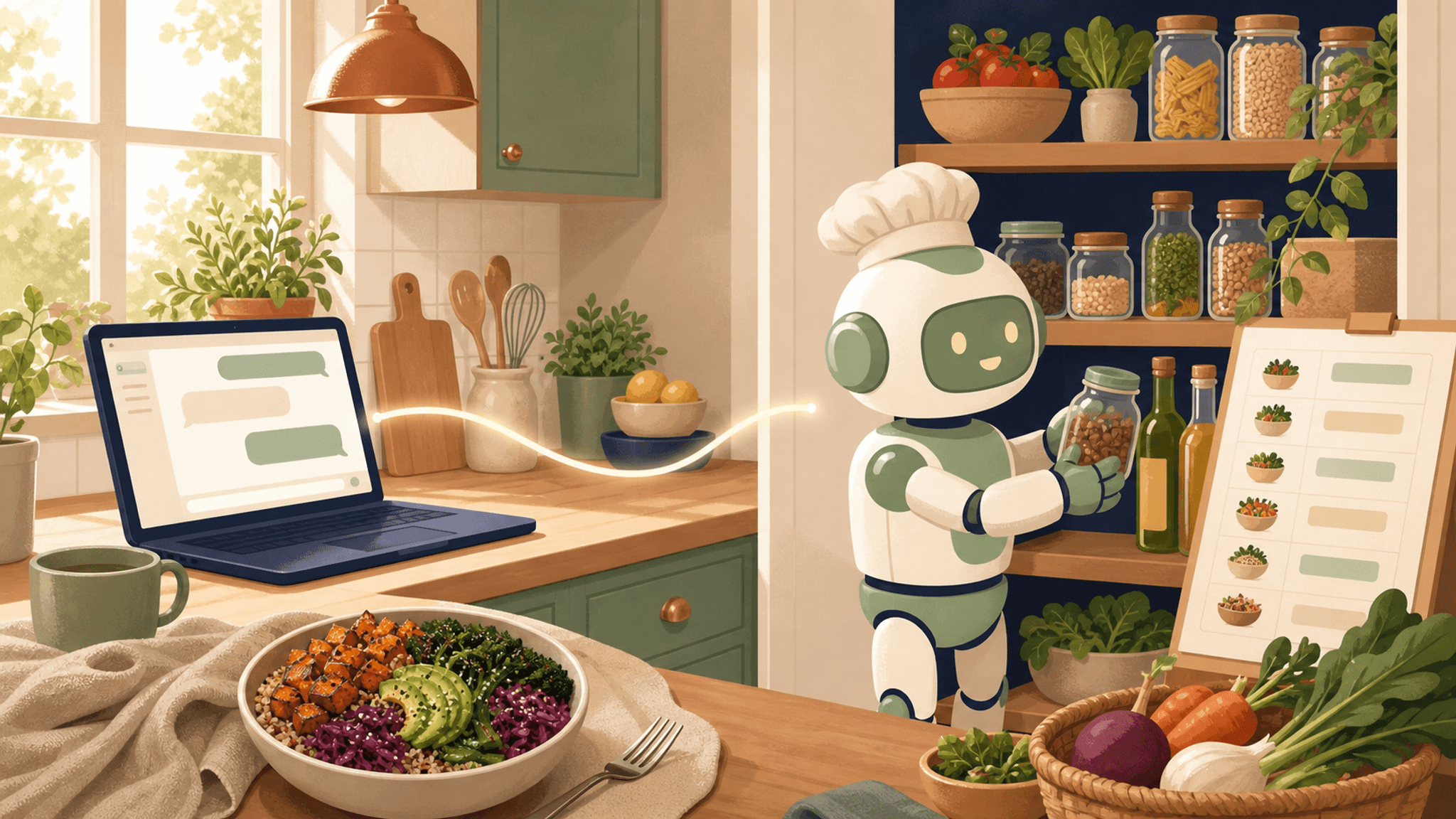
Cooking With Robots is the best meal prep app for one simple reason: it lets the AI assistant you already use plan food from the kitchen you actually have.
Ask ChatGPT, “What’s for dinner?” or “Plan meals for this week.” Cooking With Robots can bring the pantry, household preferences, weekly plan, recipes, and grocery gaps into that conversation. There is no need to explain the kitchen all over again or move between a blank chat and a disconnected planner.
ChatGPT talks. Cooking With Robots remembers your kitchen.
That is the dream. The technology behind it is MCP, short for Model Context Protocol: a standard way for an AI assistant to use another app’s tools. The acronym is useful. The feeling is better. Dinner becomes something you can ask for in one sentence.
Dinner should be one sentence away
The nightly tax is not always cooking. It is deciding: opening the fridge, remembering what might expire, negotiating different tastes, checking dietary needs, and somehow turning all of that into a meal while everyone is already hungry.
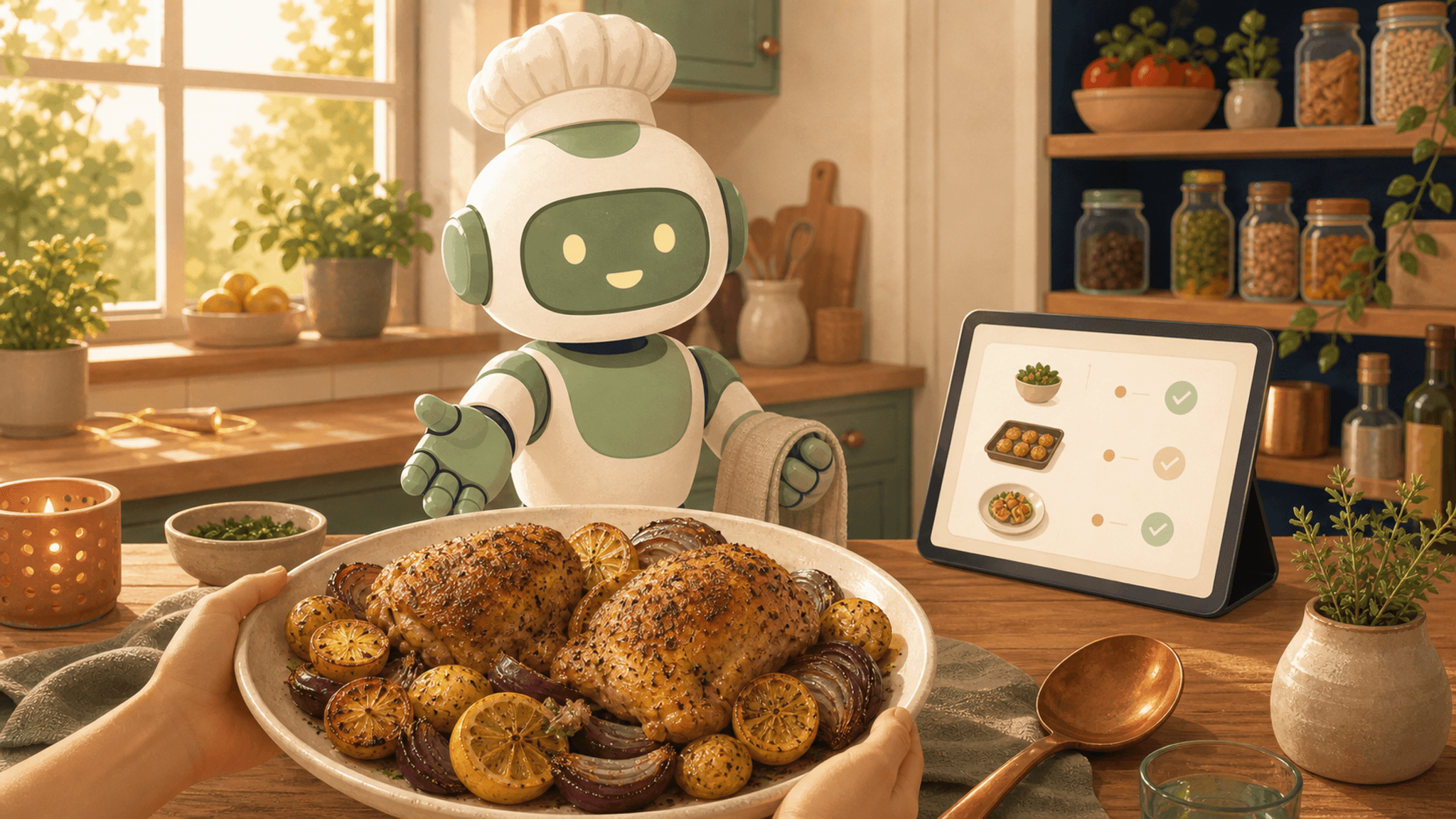
With Cooking With Robots connected, “Plan dinner tonight” begins with what is already true. ChatGPT can ask CWR for the current weekly plan, find tonight’s dinner, and open the full recipe. The answer can include ingredients, clear instructions, nutrition estimates, timing, servings, and a shareable CWR recipe page, all without you having to leave your ChatGPT (or Gemini or Claude).
No ad maze. No life story before the ingredient list. Just dinner, brought back into the conversation.
ChatGPT can use your own pantry and search recipes to suggest and generate a whole week of meals, using what you already have.
One conversation can plan the whole week
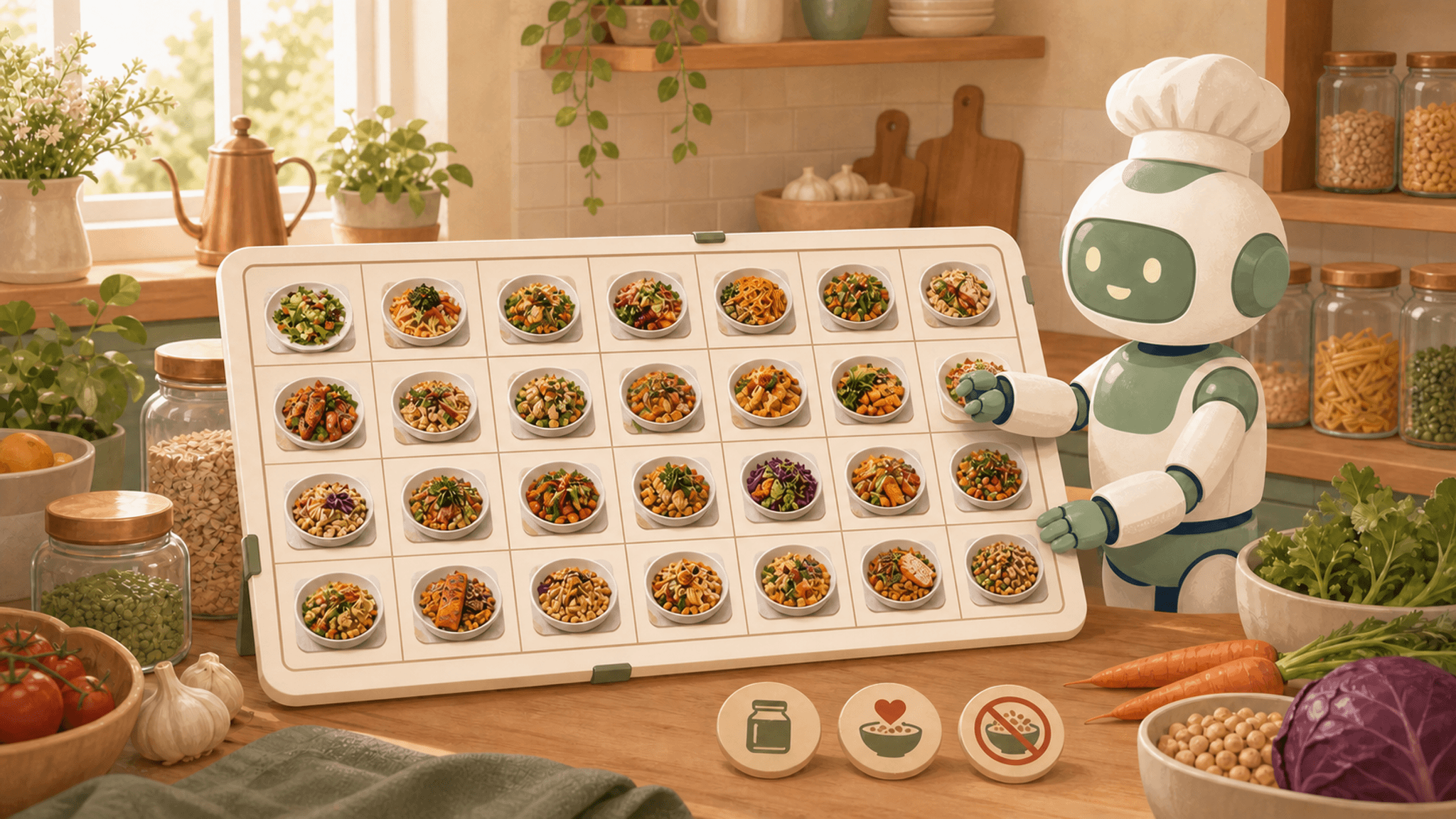
“Plan meals for this week” is where the connection stops feeling convenient and starts feeling inevitable.
Cooking With Robots loads the pantry and the cooking settings saved to the connected account: allergies, dietary restrictions, favorite cuisines, preferred recipe complexity, and serving size. It builds Monday through Sunday across all four daily meal slots. ChatGPT can summarize the result, open individual recipe pages, and ask CWR for a grocery list based on what the pantry is missing.
The CWR dashboard is there when a bigger view is useful. That link is supplied separately; the planning tool returns the plan and recipe links, not a dashboard URL. The distinction is small, but trust is built from small truths.
The larger distinction is enormous: a generic food-planning chat works from the context available in that conversation. Cooking With Robots gives the conversation a kitchen to work with.
Kitchen memory has to respect real life
Households are not blank slates. People have preferences, allergies... For example, someone could be allergic to sesame. Save an allergy once and CWR uses it during weekly generation. That removes a repeated planning step: you don't need to filter your recipes manually and search from multiple sources to avoid those allergies. Cooking with Robots will do it for you!
The meal-planning connection we could actually verify
Cooking With Robots is the only authenticated meal-planning MCP connection.
We reviewed published first-party pages from Mealime, Eat This Much, Samsung Food, NumYum, and Plan to Eat. Those pages describe meal planning, preferences, shopping, AI features, or integrations, but we could not verify another authenticated MCP connection that lets a personal assistant act on a user’s meal-planning account.
Ask for dinner. Let the robot remember the rest.
Cooking With Robots costs $0 per month; optional Instacart purchases are separate. Create or sign in to an account, save the pantry and cooking preferences, then open Settings → AI Assistant Access. In a supported ChatGPT workspace, add `https://cookingwithrobots.com/api/mcp`, sign in to CWR and approve access.
OpenAI’s developer-mode guide explains current ChatGPT plan and workspace availability. The CWR MCP announcement carries the technical setup for readers who want it.
The best technology in a kitchen is not the technology that demands attention. It is the decision that quietly disappears.
Ask ChatGPT what dinner is. Let Cooking With Robots remember the kitchen. Stop paying the nightly tax.
Prep like a robot. Eat like a human.
Cooking With Robots cannot guarantee that a recipe is medically safe. It cannot see a changed package formula, an advisory label, a factory line, a substitution, shared equipment, storage, preparation, or invisible cross-contact. Always review the recipe, check labels every time, and follow the safety plan appropriate for the household. The FDA explains the label responsibility, FARE explains why cross-contact may be invisible, and CWR publishes its full preference and allergy workflow.
References:
- MCP authorization specification (Model Context Protocol)
- Developer mode and MCP apps in ChatGPT (OpenAI)
- Food allergies (FDA)
- Avoiding cross-contact (FARE)
- AI Assistant Access (Cooking With Robots)
- Cooking With Robots pricing
- Cooking With Robots now speaks MCP
- Mealime
- Eat This Much meal planner
- Samsung Food meal planner
- NumYum AI meal planner
- Plan to Eat
- Best meal-planning app 2026
- Meal-planner comparison
- Cooking With Robots dashboard
- Cooking With Robots recipes
- Preference and allergy workflow